
Every pet belongs to a customer. If the owner is new, add them first in Add a Customer, or add both at once with Quick Registration.
Click New in the top bar and choose New Pet.
-
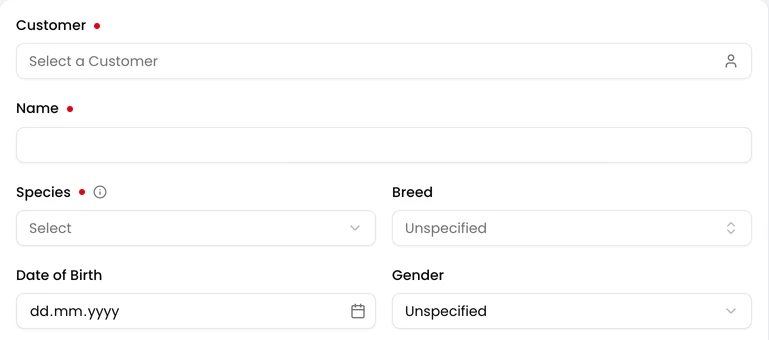
Pick the owner under Customer.
-
Enter the pet’s Name and choose its Species. Breed lists the breeds of that species.
-
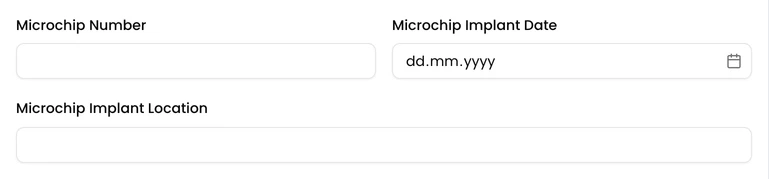
Fill in anything else you need, such as Microchip Number.
-
Click Save. The pet’s page opens.
If a species or breed is missing, a clinic administrator can add it in Clinic Admin under Pet Species.
Protocol Number
Section titled “Protocol Number”
If your clinic numbers pets automatically, the form shows the number the pet will get. Otherwise, type it in Protocol Number. A clinic administrator can change this setting in Clinic Admin under Protocol Assignment.